






GHome Smart Plug Mini Review: A Compact WiFi Outlet for Hands-Free Home Control
Smart home technology has evolved from a niche hobby into a practical way to manage daily routines, and the WiFi-enabled outlet is one of the simplest entry points. The GHome Smart Plug Mini, sold in a 4-pack, aims to bring voice control, remote access, and scheduling to standard home appliances without requiring a separate hub. This review examines what this smart plug offers, how it fits into a typical setup, and who might benefit most from adding it to their home.
Design & Build Quality
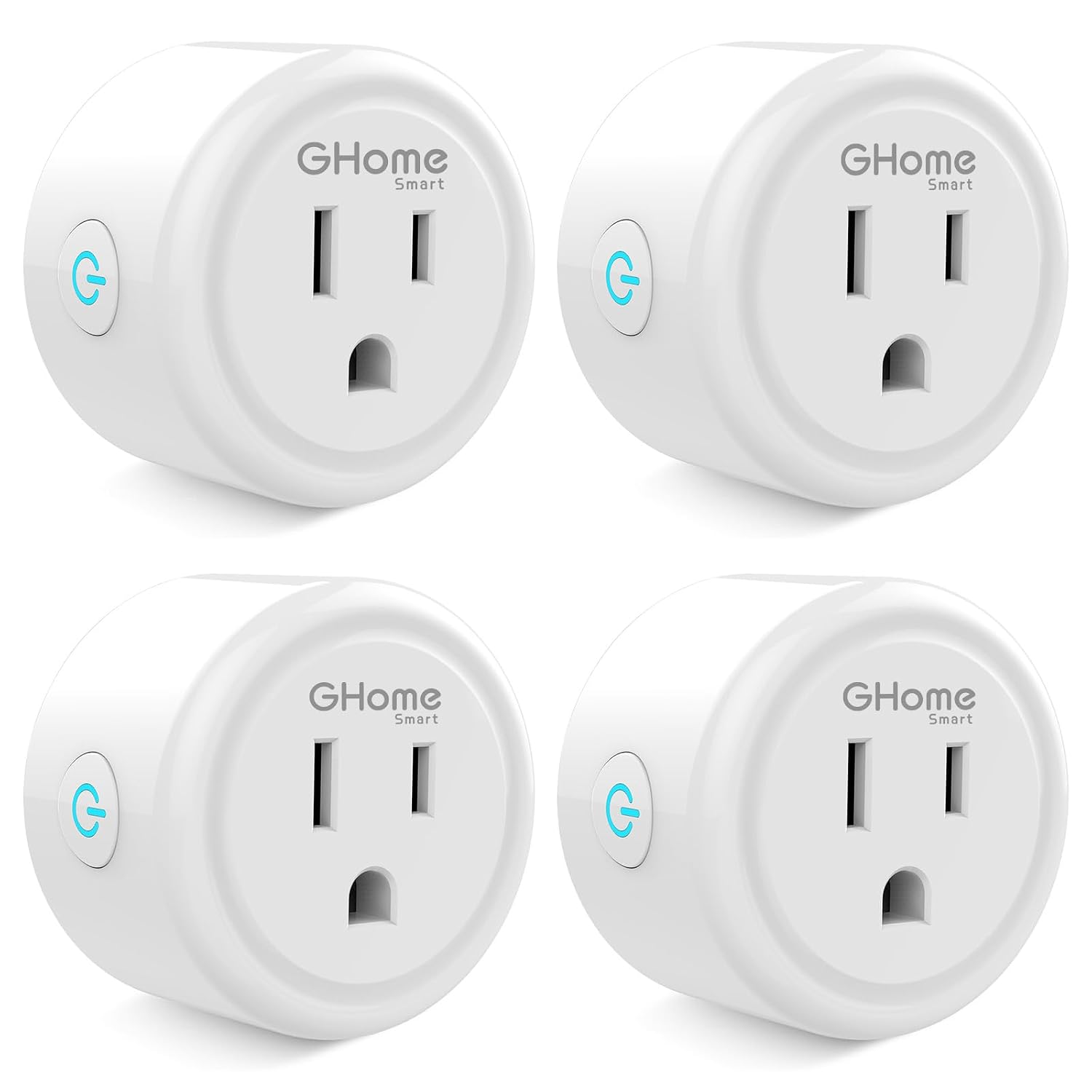
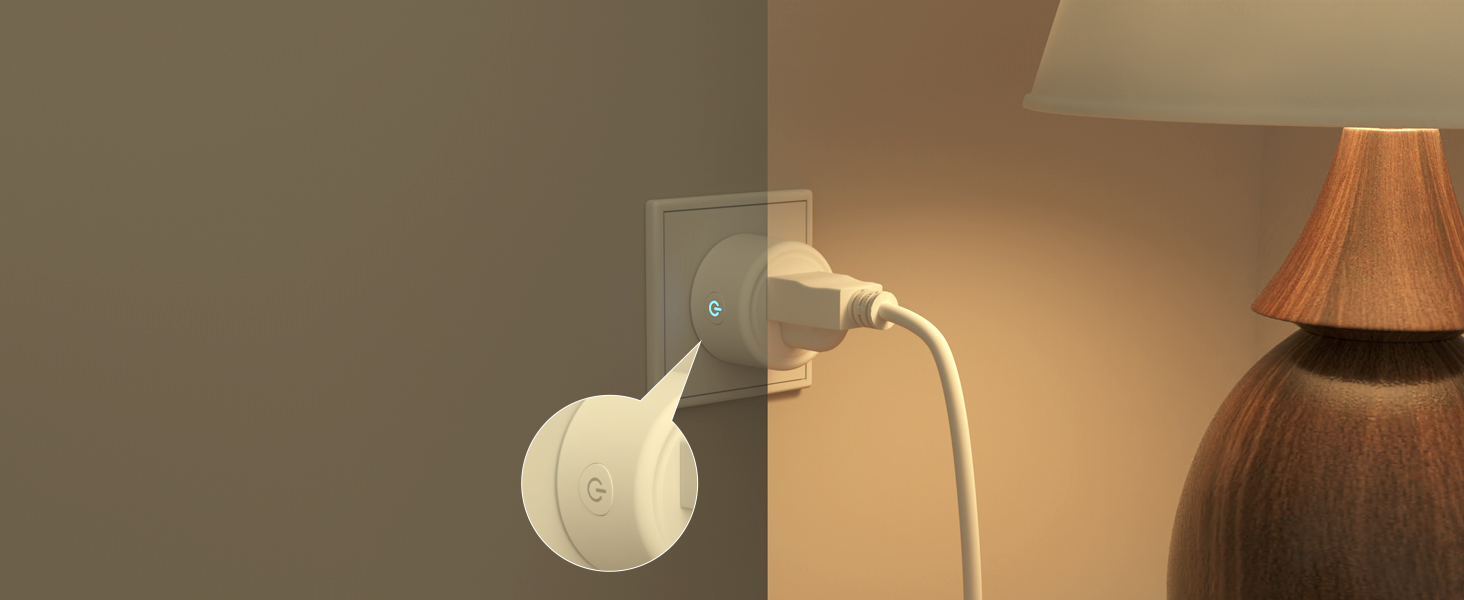
The GHome Smart Plug Mini is designed with a compact footprint in mind. The product listing emphasizes its mini size, which is intended to help it fit into tight spaces around the home without blocking adjacent outlets. This space-saving design is a practical consideration for anyone who has struggled with bulky plugs that cover neighboring sockets.
A notable design element is the switch indicator light, which can be turned off. This feature addresses a common annoyance with smart devices: the bright LED glow that can disrupt sleep in bedrooms or distract in media rooms. Being able to disable the light allows the plug to blend into its environment more discreetly.
In terms of safety and compliance, the plug is described as ETL and FCC certified. It is rated at 10A, 1200W, and 120V. These ratings provide a clear guideline for what types of appliances can be connected. The listing explicitly advises checking the load of your appliance before plugging it in, which is a sensible reminder given that not all household devices are suitable for smart plug use.
Features & Technology
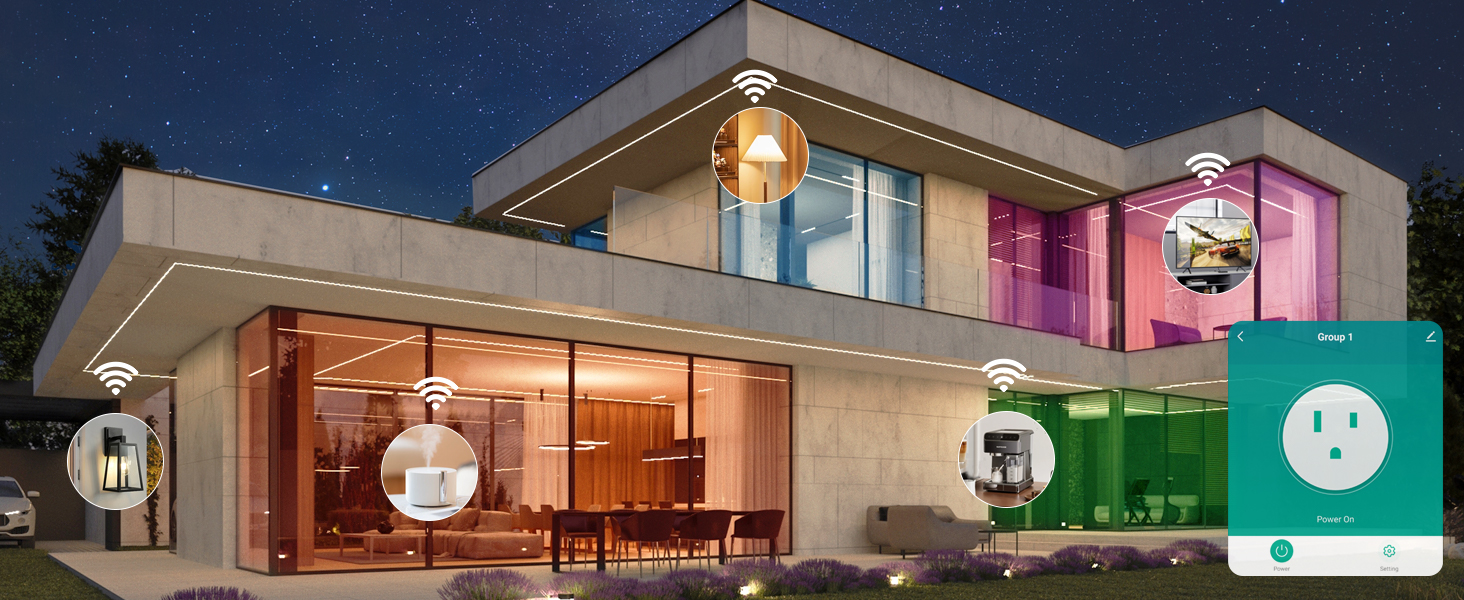
The core functionality of the GHome Smart Plug revolves around three main pillars: voice control, app control, and scheduling. Each of these features is designed to offer a different way to interact with connected devices.
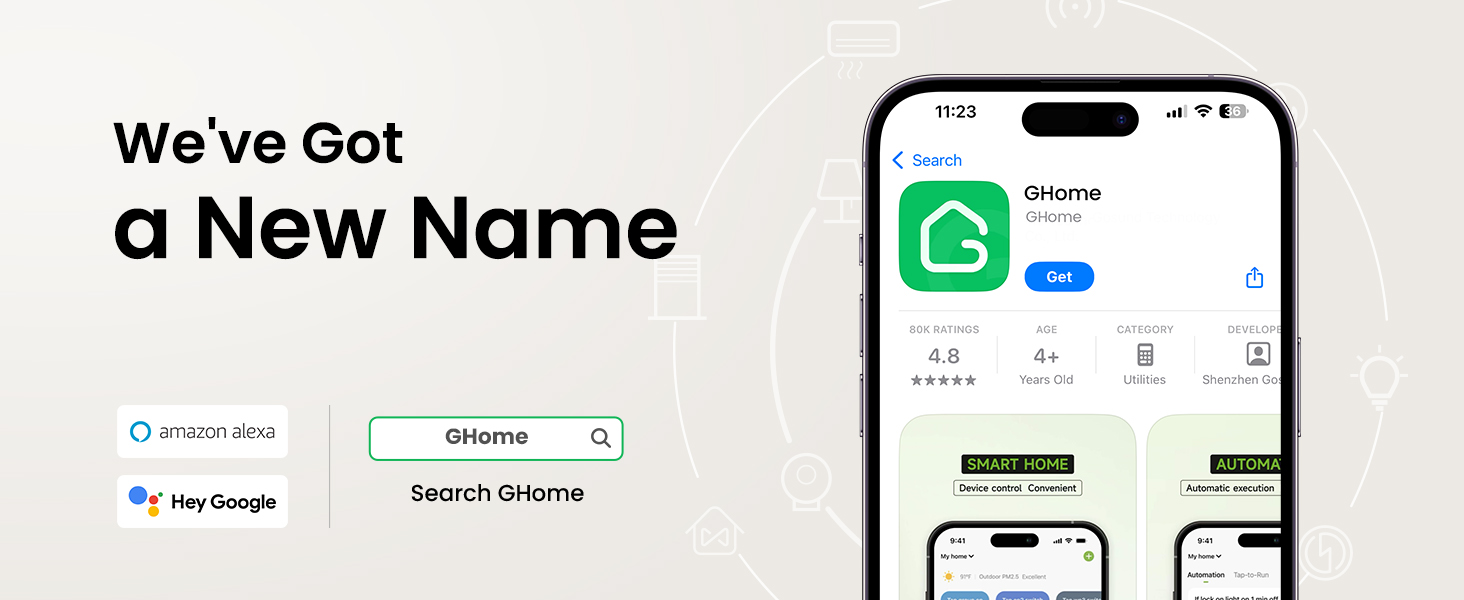
Voice Control: The plug works with Amazon Alexa and Google Home Assistant. This integration allows users to control connected appliances through simple voice commands, freeing up hands for other tasks. However, there is an important setup note: the plug must first be connected to the GHome app before it can be linked to Alexa or Google Home. It cannot be linked directly to these voice assistants out of the box.
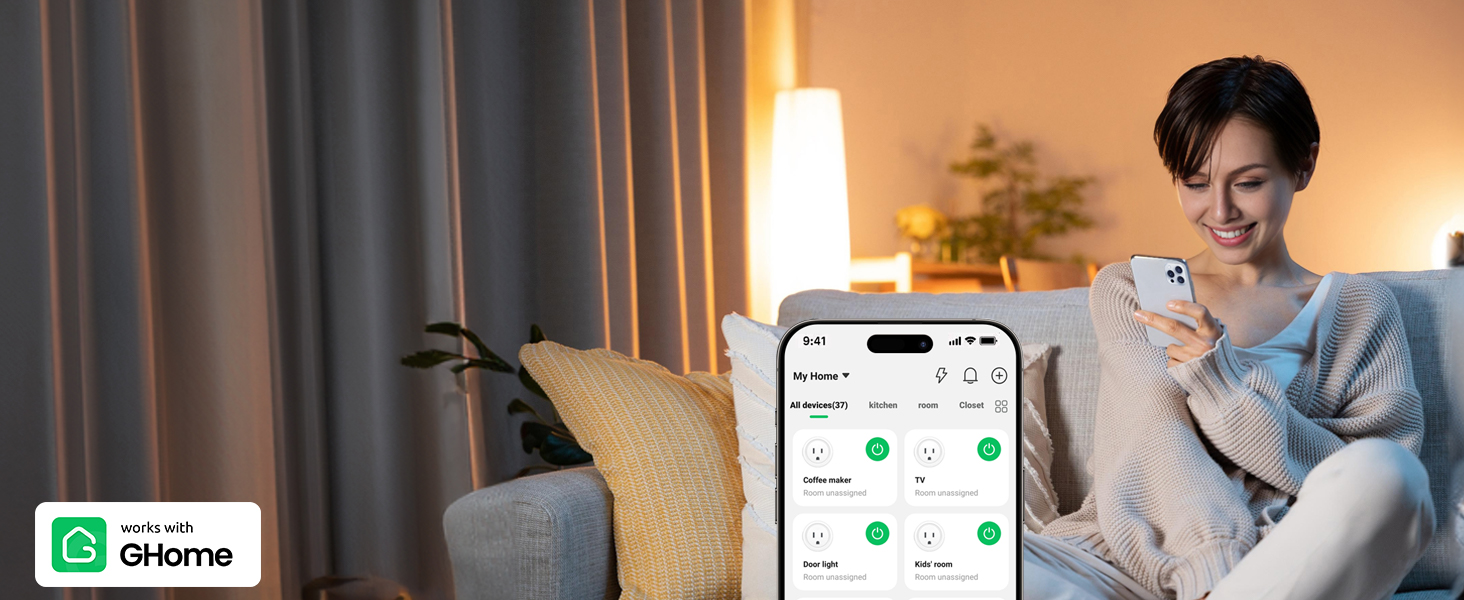
App Control: The accompanying app provides remote control capabilities, allowing users to turn connected home appliances on and off from anywhere using a smartphone. This means you can check whether you left an appliance on and switch it off remotely, or turn something on before you arrive home.
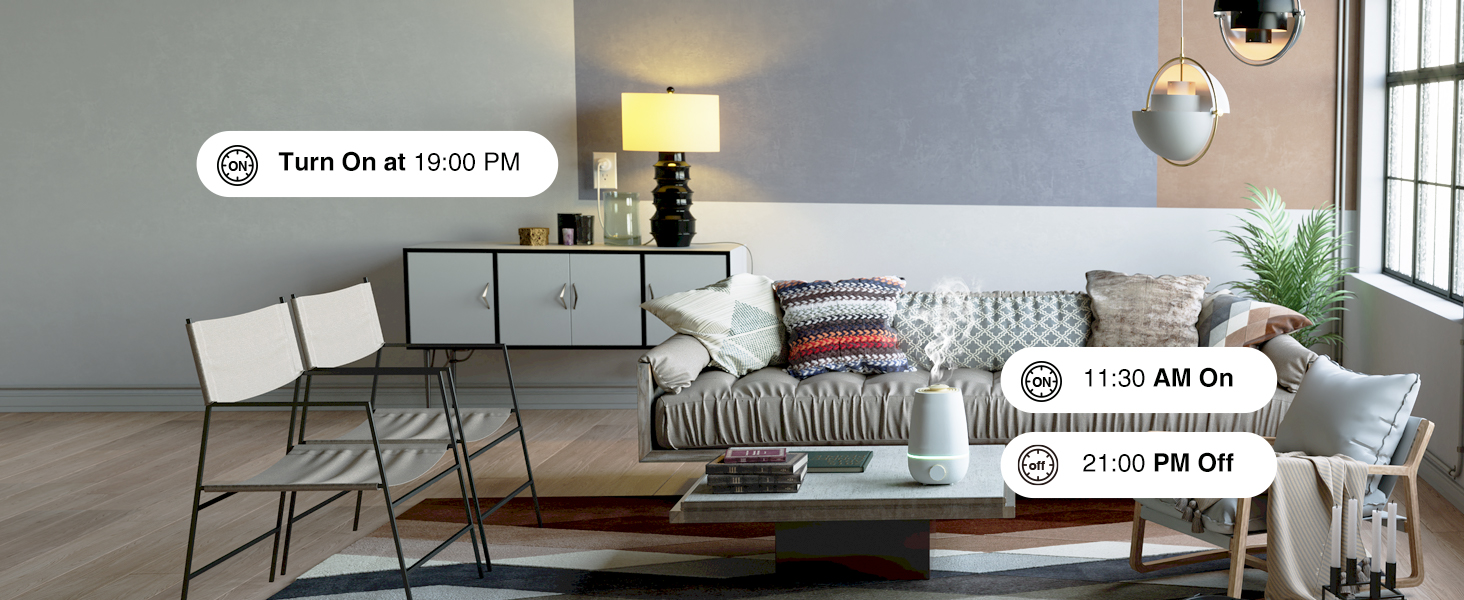
Scheduling: A 24-hour timer function enables users to set schedules for connected devices. The listing mentions the ability to set schedules that run circularly or randomly. This scheduling capability is positioned as a way to help save energy and money by automating when devices operate. For example, you could set a device to auto-off after a certain time or auto-on at a specific moment.
Group Control: For users with multiple plugs, the app supports group control. You can set up a group of smart plugs and control all connected appliances with a single tap. This is a useful feature for managing multiple devices simultaneously, such as turning off all lights or entertainment equipment at once.
Sharing: The plug also supports sharing with family members. This allows multiple users to control the smart plugs, which is practical for households where several people may need access to the same devices.
Setup and Connectivity
Setting up the GHome Smart Plug requires attention to network compatibility. The most critical specification is that this device only supports 2.4GHz WiFi networks. It does not support 5G WiFi. This is a common constraint among smart home devices, but it is essential to verify your router’s configuration before purchasing.
The listing provides specific guidance for dual-band routers. One option is to turn off the 5GHz network before the initial connection. Another approach is to set two different SSIDs for the 2.4GHz and 5GHz networks, then connect the plugs to the 2.4GHz network only. This flexibility is helpful, though it does require some basic router knowledge.
For the app connection, the plug supports Android 5.0 or iOS 13.0 or above. The setup process involves pressing and holding the power button for 5-10 seconds until the indicator light blinks before connecting. If connection issues arise, the listing suggests resetting the plug by pressing the on/off button for 5 seconds and switching from Easy mode to AP mode, which is described as more compatible.
The connection is described as using enhanced WiFi plus Bluetooth for a faster and more stable connection. The plug does not require a separate hub, which simplifies the setup process. Once connected, the plug should remain on the 2.4GHz WiFi network for continued control from anywhere.
In terms of app compatibility, the outlets work with the GHome app, the Smart Life app, and the Tuya app. This multi-app support provides options for users who may already be using one of these platforms.
Performance & Everyday Experience
In everyday use, the GHome Smart Plug Mini is designed to make routine tasks more convenient. The voice control feature is particularly useful when your hands are full or when you are in another room. The remote app control adds a layer of flexibility, allowing you to manage devices when you are away from home.
The scheduling function is where the plug can have a more tangible impact on daily routines. By setting timers for devices, you can automate when they turn on and off. The listing specifically mentions this as a way to help save energy and money, though it does not quantify the potential savings. The ability to set circular or random schedules adds a degree of customization to how devices operate.
The group control feature streamlines management when using multiple plugs. Instead of toggling each device individually, you can control them as a unit. This is particularly convenient for scenarios like turning off all connected devices before leaving the house.
One practical consideration is the power rating. With a maximum load of 1200W and 10A, the plug is suitable for many household appliances, but it is not designed for high-power devices like large space heaters or major kitchen appliances. The listing explicitly advises checking the load of your appliance before plugging it in, which is an important step to avoid overloading the outlet.
Who Is This Product Best For?
Based on the supplied information, the GHome Smart Plug Mini is best suited for individuals who are looking to add smart functionality to their existing home appliances without investing in a full smart home hub system. The no-hub-required design makes it accessible for those new to smart home technology.
It is particularly well-suited for people who already use Alexa or Google Home Assistant and want to extend voice control to more devices. The scheduling and timer features would appeal to anyone interested in automating daily routines, such as turning lamps on and off at set times or managing energy usage more consciously.
The 4-pack configuration suggests it is intended for users who want to equip multiple outlets throughout their home. The group control feature makes it practical for managing several devices together. However, the 2.4GHz network requirement means it is best for users who are comfortable with basic router settings or who already have a network configured to support such devices.
It is also a reasonable option for families, given the sharing feature that allows multiple users to control the plugs. The compact design and ability to turn off the indicator light make it suitable for bedrooms and living areas where minimal visual disruption is preferred.
Final Verdict
The GHome Smart Plug Mini offers a straightforward path to adding smart control to household devices. Its combination of voice control, app-based remote access, and scheduling covers the core functions most people expect from a smart plug. The compact size and switchable indicator light are thoughtful design touches that address common practical concerns.
The main consideration for potential buyers is the network requirement. The 2.4GHz-only support and the setup steps for dual-band routers mean that some users may need to adjust their network configuration. The setup process is clearly explained, but it does require a basic level of technical comfort.
The ETL and FCC certifications provide a stated level of safety compliance, and the 10A/1200W rating gives a clear parameter for compatible appliances. The multi-app support and group control features add value, particularly for those using multiple plugs.
Overall, the GHome Smart Plug Mini is a functional smart home accessory that delivers the essential features of voice control, remote management, and scheduling in a compact, hub-free package. It is a practical option for those looking to make their home appliances more responsive to their routines, provided their network setup can accommodate the 2.4GHz requirement.